AI Agent Coordination

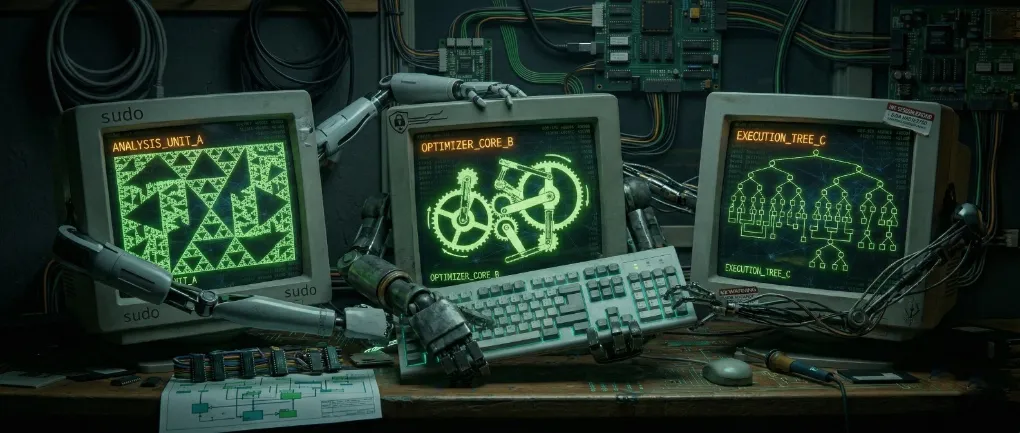
During my last year at my previous job, I saw the heavy push for AI in the form of looking for ideas where AI may be a good fit, using vetted AI tools to enhance our work by helping code or by providing automation.
At the time, Sonnet 3.5 was the top model we had access to via Amazon Q. I ran some test tasks, from coding to automation.
I found the level of coding of the models at the time to be a bit lacking, requiring harnesses like Cline to steer and keep a consistent behavior.
I also found that they could do a fairly decent job at doing repeatable processes; for example, checking a ticket and gathering some information, for which a runbook can tell the agent what accounts and logs to look at. With the right setup, this really helped my team to reduce the time to root cause by automating and speeding up the process of data collection and finding clues.
Besides executing commands to track data, I found models at the time would often jump into wild conclusions if you let them run with the data. I still remember Sonnet declaring victory on debugging an issue from logs by highlighting “The smoking gun!” of the issue. AI-specific handbooks had instructions (harnesses) to steer the model from jumping into conclusions.
So several months later, I have been using different models via Gemini, Claude, and kiro-cli. Doing meaningful work besides simple “one-shots” usually requires laying out a detailed plan for the model to follow.
Tools like Claude do this internally, generating a checklist/todolist which steers the model from “getting distracted.” Google Antigravity also latches on this technique by building a complete system on this; Kiro has spec-driven development as a way to enforce guardrails.
However, isn’t this what we would normally do via task management? Don’t we use tools to track tasks, stories, epics, etc., in sprints and kanban boards? Couldn’t we just connect those tools to agents (via MCP, for example)?
The obvious answer is yes. From my previous job, there were tools to connect to such task management systems, so today there are MCP servers to connect to things like GitHub, Jira, Asana, or whatever you use; heck, models can use CLI tools to connect to those services.
I found using a separate task management tool as an interface for the agent to be quite nice. I can write down the specific task I want to be accomplished, then ask the agent to start working on it. With the right prompt harness, the model would fetch the task, layout the details in a comment, and set up all the subtasks as a todo list, all of this in an interface I can easily see and manage. This reveals a good amount of the context the model is working with and allows for feedback and some back and forth on the details of the implementation.
This interface is powerful, but more than that, it provides a durable record of what is going on. Often I miss context across sessions or even agents (when experimenting and comparing different models); having this unified harness, task management interface, and process brings fairly even results from major agents (Kiro, Gemini, Claude Code, OpenCode + Kimi 2.5) I have experimented with, and I can point back to any previous decision for the model to look into. With newer models, I can even open a task and attach some images to show the issue visually, and the agent (Claude or Gemini) can easily check, modify, and then run something like Playwright to verify.
This is a very powerful workflow to steer models to develop more complex applications. However, there are still some scaling limits; while we can have several models running at the same time working on different tasks, there is still a need to run the CLI model manually and run some prompting to get them started. Then there is the issue of keeping the different instances out of each other’s toes, so having separate working folders and their own repo clone is a must, this just means that merging all that code could become messy.
I tried adding a pull review process into my harness, and that definitely helps. Now the process is narrowed down to writing down the task, then prompting an agent to start working on it, going back and forth with manual interventions if needed, then reviewing the PR. This keeps the work of managing multiple agents (Claude Code working on backend code and Gemini on frontend) a bit more manageable.
I’m sure as workflows advance, perhaps a task management interface would also spin up agents which will execute this sort of workflow all on their own.
So after all the rambling, is AI going to take over software engineering? Probably not. Models are very good at producing code, but they are not able to produce products; the business knowledge matters. Models can write whole web services, but they don’t necessarily get the ergonomics right or the scaling or security. For example, while implementing user log in, I found Gemini tried to simply store credentials in plain text into localStorage. So the models are also loaded with footguns if one is not careful.
I don’t think that you can “vibe code” apps at the same level as a team of software engineers. However, a good software engineer can definitely increase their output by using these tools judiciously.
On the flip side, I think many dismiss “vibe coding” without considering speed. Speed and cost to the first prototype can make a huge difference between sinking thousands into an app that may not work vs. finding out if a given market or idea actually works out. But same as “technical debt,” if it is not planned and actually fixed (enforced), this debt will just remain, so these “shortcuts” are usually not as cheap as they seem.
Comments
Loading comments from Mastodon...